StaffGenerator packs can now be sent straight to Slack
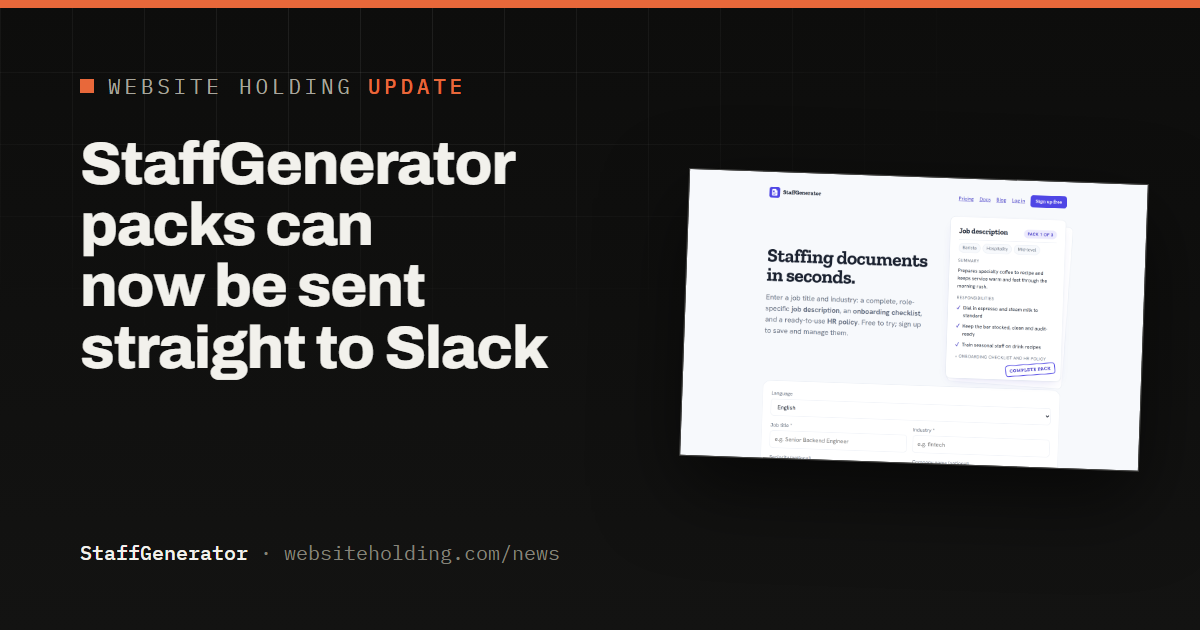
Connect your team's own Slack channel in Settings, then send any generated staffing pack there with one click, right from the tool or your saved dashboard.
StaffGenerator can now send a generated staffing pack straight to your team's Slack channel. Open Settings, connect your own Slack Incoming Webhook, and a Send to Slack button appears next to Save to dashboard on every pack you generate or already have saved.
Setting it up takes about a minute. In your own Slack workspace, add an Incoming Webhook under Apps, choose the channel you want packs posted to, and paste the URL Slack gives you into StaffGenerator's Settings page. No Slack login is ever shared with us, only that one webhook URL, and you can disconnect it at any time.
Once connected, sending a pack posts a real message with the job title, industry, a short summary, and the top responsibilities, plus a link back to the full pack, so a hiring manager or teammate can see exactly what was generated without leaving Slack.
This is the first piece of a broader integrations roadmap that also covers pushing packs into applicant tracking systems like Greenhouse and Lever, meeting HR teams wherever they already work.