Organise saved staffing packs in folders
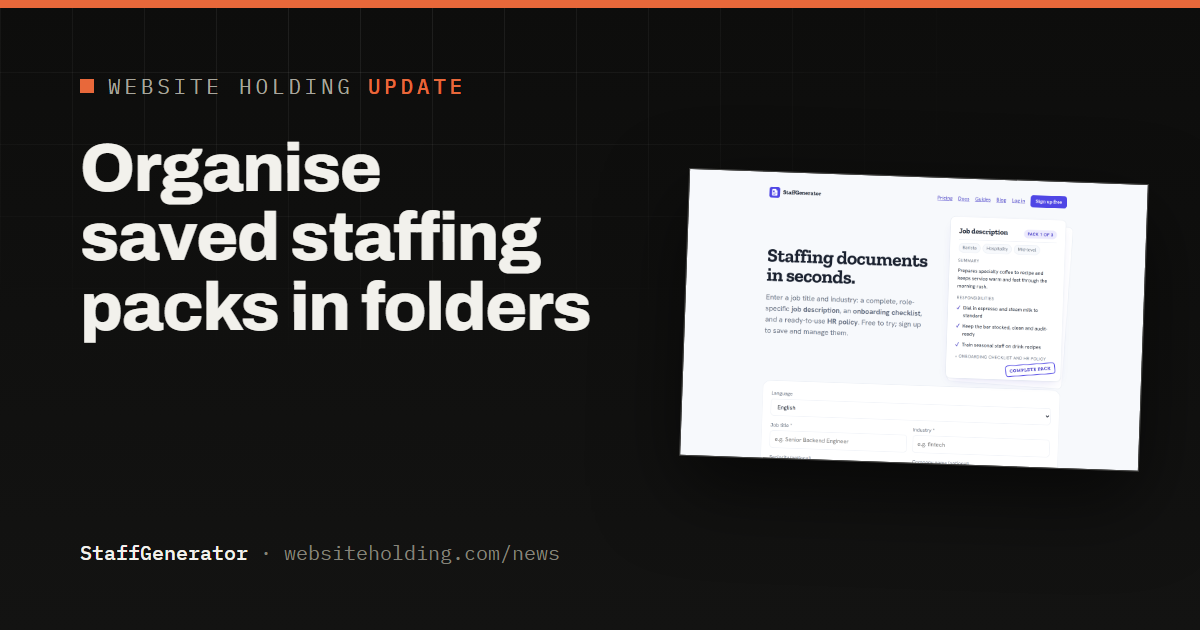
StaffGenerator users can now organise saved staffing packs in folders and show one folder at a time on the dashboard.
StaffGenerator now lets you organise saved staffing packs in folders. Recruiters and hiring managers who run several hiring rounds at once can keep each round's job descriptions, onboarding checklists and HR policies together.
Every saved pack has a Folder field on its page. Type a name such as Sales hiring, or pick a folder you already use, and save. Leave it empty to take a pack out of its folder.
As soon as one pack is in a folder, the dashboard shows a row of folder tabs with how many packs each holds, plus All and No folder. A tab works together with search and sorting, so you can find one role inside one hiring round quickly. A duplicated pack stays in the same folder as the original.
Folders are free on every plan. Sign in at staffgenerator.com to try them.