Download a hiring folder as PDF files
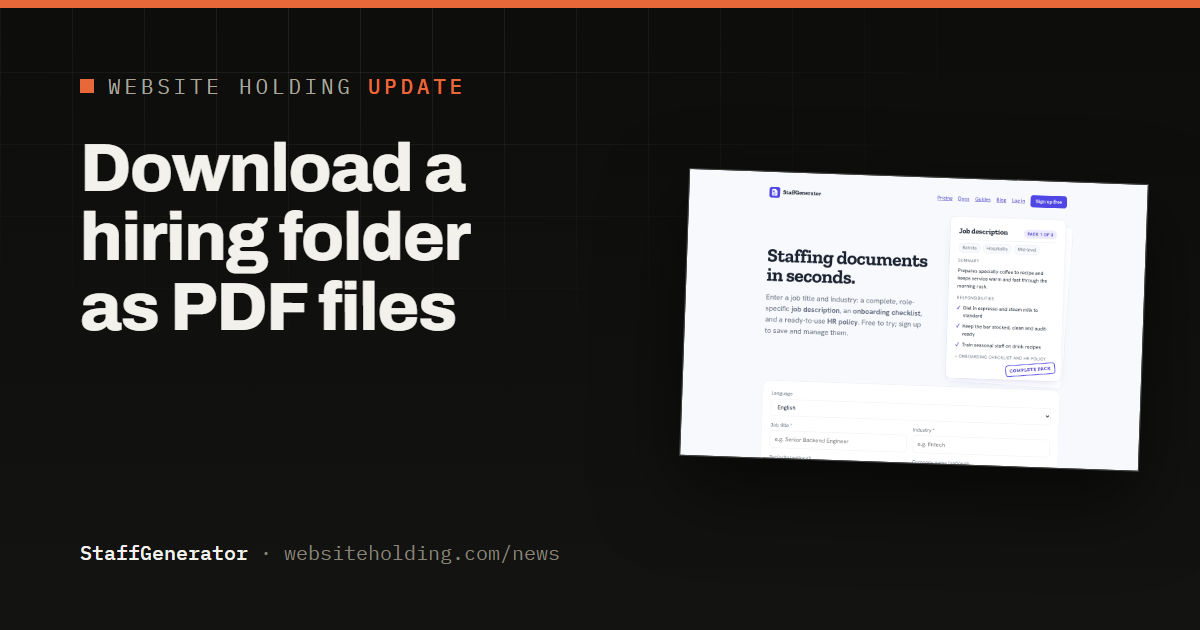
StaffGenerator can now download a hiring folder as PDF files as well as Word: one ZIP with a PDF per staffing pack, ready to hand to a hiring manager.
StaffGenerator keeps each hiring round in a folder of staffing packs: the job description, the onboarding checklist and the HR policy for every role. Earlier today folders gained a one-click download as Word files. Now you can also download a hiring folder as PDF files.
Pick the folder on your dashboard and choose Download as PDF files: you get one ZIP with a PDF per pack, named after the role, ready to send to the hiring manager or the interview panel. PDFs suit the people who should read the packs rather than edit them, and they look the same on every device. The Word version is still there for anyone who needs to make changes.
Folder downloads are part of the paid plans, alongside single-pack Word and PDF exports. Try it on your dashboard at staffgenerator.com.